Simple Tips for Organizing Your Home Office to Boost Productivity and Comfort
Creating an organized and comfortable home office can significantly improve your productivity and overall work experience. Whether you work from home full-time or occasionally, having a well-arranged space helps reduce distractions, increase focus, and make your day more enjoyable. In this article, we’ll explore simple and effective tips to help you organize your home office for maximum comfort and efficiency.
1. Choose the Right Location
The first step in setting up your home office is picking a suitable location. Ideally, select a quiet area with minimal foot traffic and distractions. Natural light is a bonus, as it can enhance mood and reduce eye strain. Consider these points when choosing your spot:
– A corner or a separate room to create a sense of privacy
– Access to power outlets and internet connection
– Space for your desk, chair, and storage solutions
If space is limited, a small nook or even a corner in your living room can work well, as long as it is dedicated to your work.
2. Invest in Comfortable and Functional Furniture
Your furniture plays a key role in how comfortable and productive you feel.
Desk
Choose a desk that fits your space and offers enough surface area for your computer, notepads, and other essentials. Standing desks or adjustable desks can add flexibility to your setup.
Chair
An ergonomic chair with proper lumbar support helps prevent back pain and posture problems during long work hours. Look for chairs that are adjustable in height and tilt.
3. Declutter and Simplify Your Space
A cluttered workspace can distract you and reduce productivity. Keep your desk clear by organizing supplies and tools:
– Use desk organizers for pens, paper clips, and small items
– Store documents in labeled folders or filing cabinets
– Limit decorations to a few meaningful items that inspire you
Try to adopt a “clean desk” habit by tidying up at the end of each day.
4. Optimize Lighting
Good lighting is essential for comfort and focus. Natural light is ideal, but you may need additional lighting options:
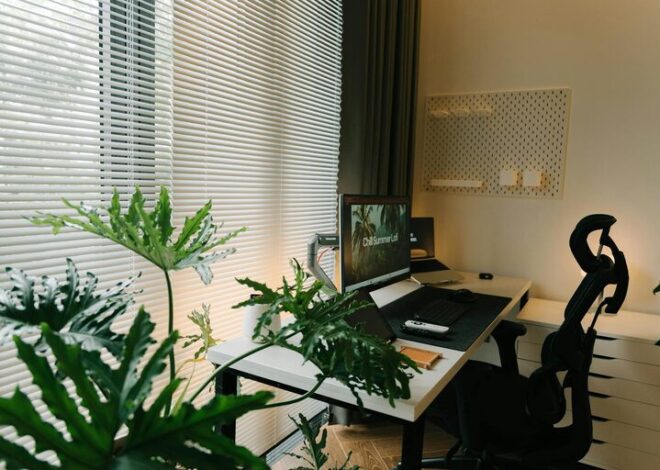
– Position your desk near a window to benefit from daylight
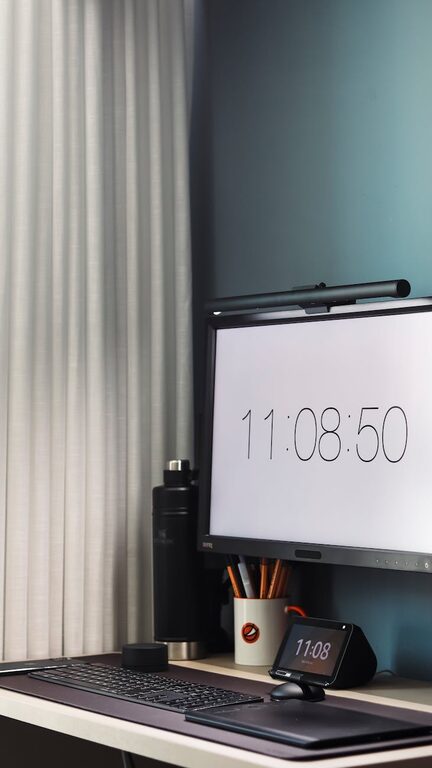
– Use a desk lamp with adjustable brightness to reduce eye strain
– Avoid placing your monitor directly in front of or behind bright light sources to prevent glare
5. Organize Digital Files
Physical organization is important, but don’t forget about your digital workspace.
– Create folders and subfolders for different projects and documents
– Use consistent file naming to make files easy to find
– Back up important files regularly using cloud storage or external drives
Keeping your computer desktop clean mirrors a tidy physical desk.
6. Personalize Your Workspace
Adding a personal touch to your home office can make it more welcoming and motivating.
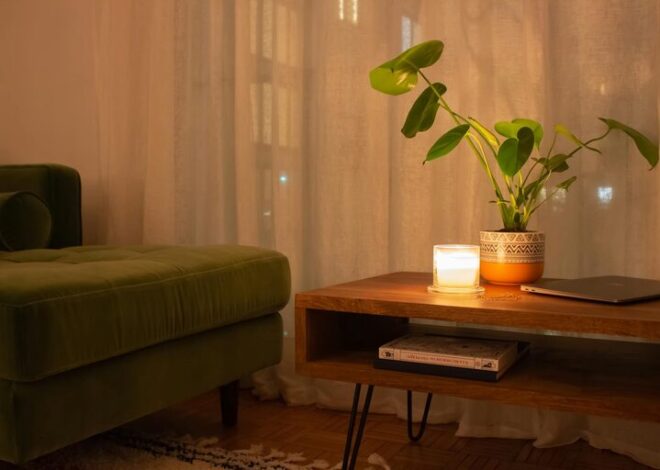
– Include a few plants to add freshness and improve air quality
– Hang artwork, inspirational quotes, or a vision board
– Use colors that you find calming or energizing
Personal touches should enhance your workspace without cluttering it.
7. Manage Cables and Tech Accessories
Messy cables can make your workspace look chaotic and be frustrating to handle.
– Use cable organizers, clips, or sleeves to gather cords neatly
– Label charger cables for easy identification
– Keep frequently used accessories, such as headphones or external drives, within reach but organized
8. Create Zones for Different Tasks
If space allows, design different zones within your office area to help you stay organized:
– A primary work zone for computer work and calls
– A writing or brainstorming area with a whiteboard or notebook
– A storage zone with shelves or filing cabinets
Creating zones helps your brain associate specific areas with particular activities, making transitions smoother.
9. Establish a Routine for Organization
Maintaining an organized space requires regular effort:
– Schedule weekly or monthly cleanups to declutter and reorganize
– Review and discard unnecessary papers and items consistently
– Keep track of office supplies and reorder before they run out
Routine maintenance ensures your workspace stays functional and pleasant.
10. Use Storage Solutions Wisely
Effective storage can keep your office neat and your essentials accessible.
– Vertical shelves or wall-mounted organizers save floor space
– Drawer dividers keep small items tidy
– Clear containers help you see contents at a glance
Experiment with different storage options to find what suits your needs best.
—
Organizing your home office doesn’t have to be complicated. By focusing on comfort, functionality, and simplicity, you can create a workspace that supports your productivity and well-being. Start with small changes and personalize your space over time, turning your home office into a place where you enjoy spending your workdays.